How to make a meme people can read on a phone
A practical caption workshop: choose a format, shorten the setup, position labels, and export a clear meme from the Memefile creator.
A meme can be funny in your head and unreadable in a feed. The usual problem is that the picture, the setup, and the punchline are all competing for attention. This workshop uses a simple example: opening a work document, then immediately reorganizing your desktop instead.
Choose the relationship before the picture
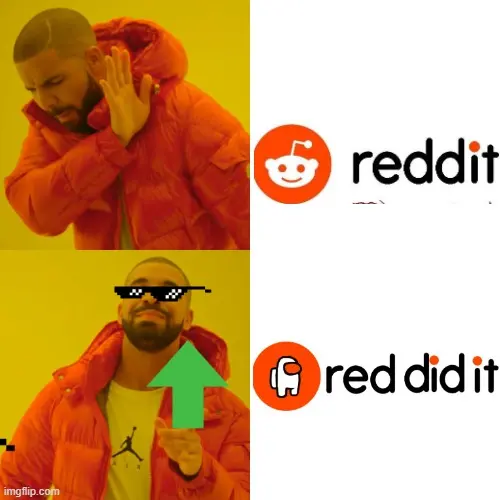
For a choice between two options, start with a two-panel approval format such as Drakeposting. The rejected option is “Write the first sentence.” The approved option is “Spend 40 minutes choosing a font.” The picture supplies approval and rejection; the captions supply the specific situation.
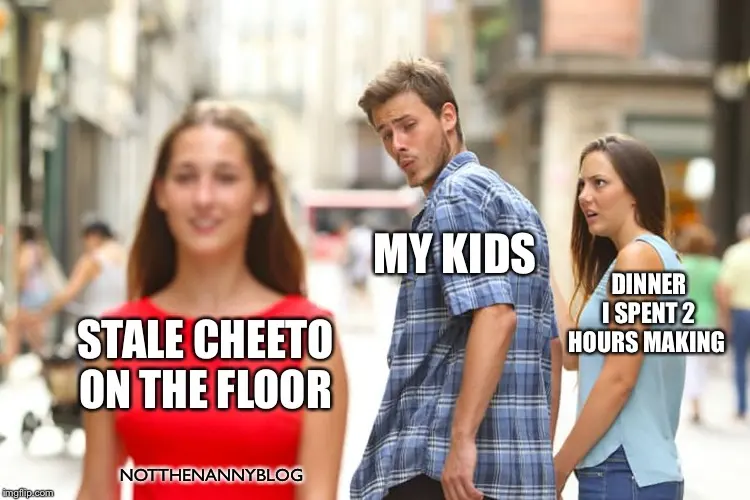
For a temptation, Distracted Boyfriend gives three roles. The distracted person can be “Me,” the established commitment “The actual assignment,” and the distraction “Organizing my desktop.” If you need a paragraph to explain who each person represents, simplify the idea before choosing a more elaborate layout.
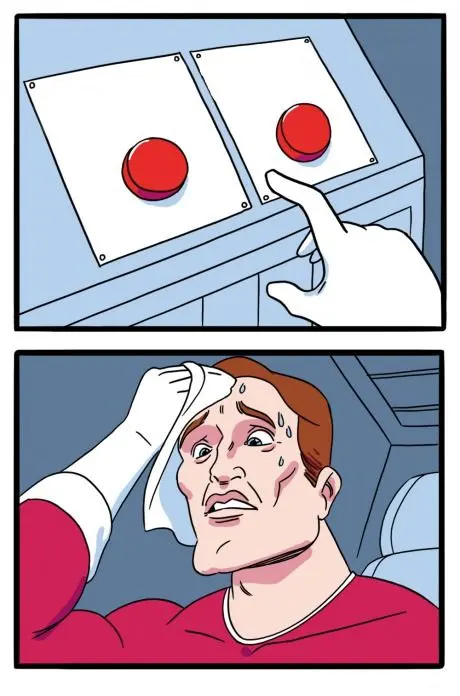
For two equally bad choices, Daily Struggle is a better fit. The buttons should name alternatives that create a recognizable conflict. Labeling both buttons with unrelated annoyances loses the relationship that makes the image useful.
These are original practice captions, not quotations from historical examples.
Write the short version first
Open the creator and choose a blank template. The library distinguishes blank templates from archive images, which may already contain captions. Open Text and type directly into the caption fields. You can edit those fields with a keyboard or a phone without needing to double-tap the canvas.
Compare “When I have a deadline for an essay due tomorrow but I keep spending time sorting all the files on my computer” with “Deadline tomorrow / Desktop folders immaculate.” The shorter version leaves more of the work to the image. Shorter is not automatically funnier, but it is easier to test.
Keep the part that changes the interpretation near the end. If the whole joke is already in the top caption, the bottom caption may only be repeating it. Try reading your meme aloud once. A sentence that needs a breath halfway through may need a different format.
Place labels without covering the evidence
Select a caption to change font, color, outline, or alignment. Drag the caption to move it. Corner handles resize it; side handles change its wrapping width. Keep labels close to their subjects while preserving faces, gestures, and the important part of the image.
An outline can separate light letters from a busy photo. It cannot rescue tiny letters. If the caption becomes a white rectangle when viewed at phone size, increase the font and cut words. For a plain layout, use a solid shape behind the text and bring the text forward in the layer order.
Use Layers to select a small or overlapping object. Lock a layer after positioning it so that later dragging does not move it by accident. Undo restores a previous edit, including a template change; you do not need to rebuild the composition after a wrong tap.
Check at the size people will see
Choose a square or portrait preset from Canvas if your destination benefits from that shape. Contain preserves the full source picture and leaves margins when the shapes differ. Cover fills the frame by cropping edges. Check that a crop has not removed a reaction or part of the punchline.
Zoom out and read the composition without leaning toward the screen. Check it on both a light and a dark surroundings if you are making a transparent image. If someone needs to open the full-resolution file to understand the labels, the composition needs another pass.
Export and keep the editable version
PNG is a useful default for sharp text. JPEG can make photographic memes smaller but does not preserve transparency. WebP supports transparency, though the app receiving the file determines whether it accepts that format. The creator’s Share action uses your device’s share sheet when supported and otherwise downloads the image.
Save an editable project from Export before closing the tab. The automatic draft belongs to this browser on this device; it is not a cloud backup. A project file keeps captions and layers separate so you can change the joke later without starting from a flattened image.
When posting, add a short text description that includes the joke’s essential visual relationship. Also check the destination community’s rules and use images you own or have permission to adapt. A template being available in an archive does not grant commercial-use rights.
- guides
- captions
- generator