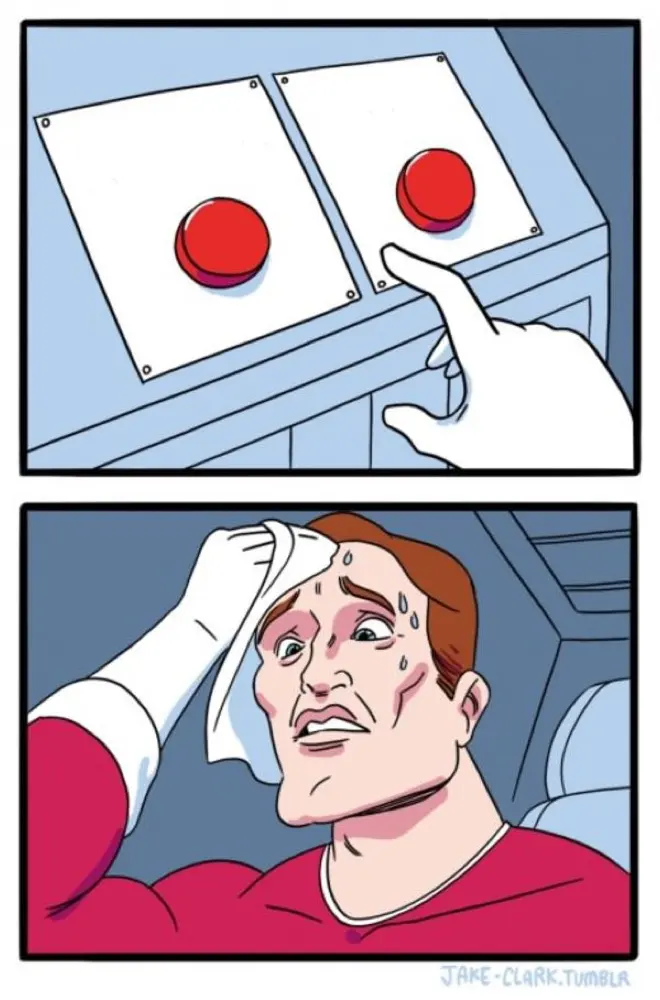
Two Buttons template
The sweating-hand-over-two-buttons template for an agonizing choice between two options. Label each button with a tempting-but-conflicting choice.
Open in the generator →Build your version
The sweating-hand-over-two-buttons template for an agonizing choice between two options. Label each button with a tempting-but-conflicting choice.
Caption positions
- Left button: OPTION ONE The text starts near the top of the image and remains editable.
- Right button: OPTION TWO The text starts near the top of the image and remains editable.
- Who's choosing (bottom): ME The text starts near the bottom of the image and remains editable.
This template starts at 660 × 1000 pixels. Choose Canvas to change the shape, then Text to edit captions without dragging. Keep labels away from the visual detail that carries the joke. Follow the caption workshop for an example.
Export a still image or capture changing captions in Animate. Save a project file to keep your layers, frames and timing editable. Follow the GIF walkthrough to revise and reorder a sequence.
A template's inclusion here is not a commercial-use license; check the source and use images you have permission to adapt.