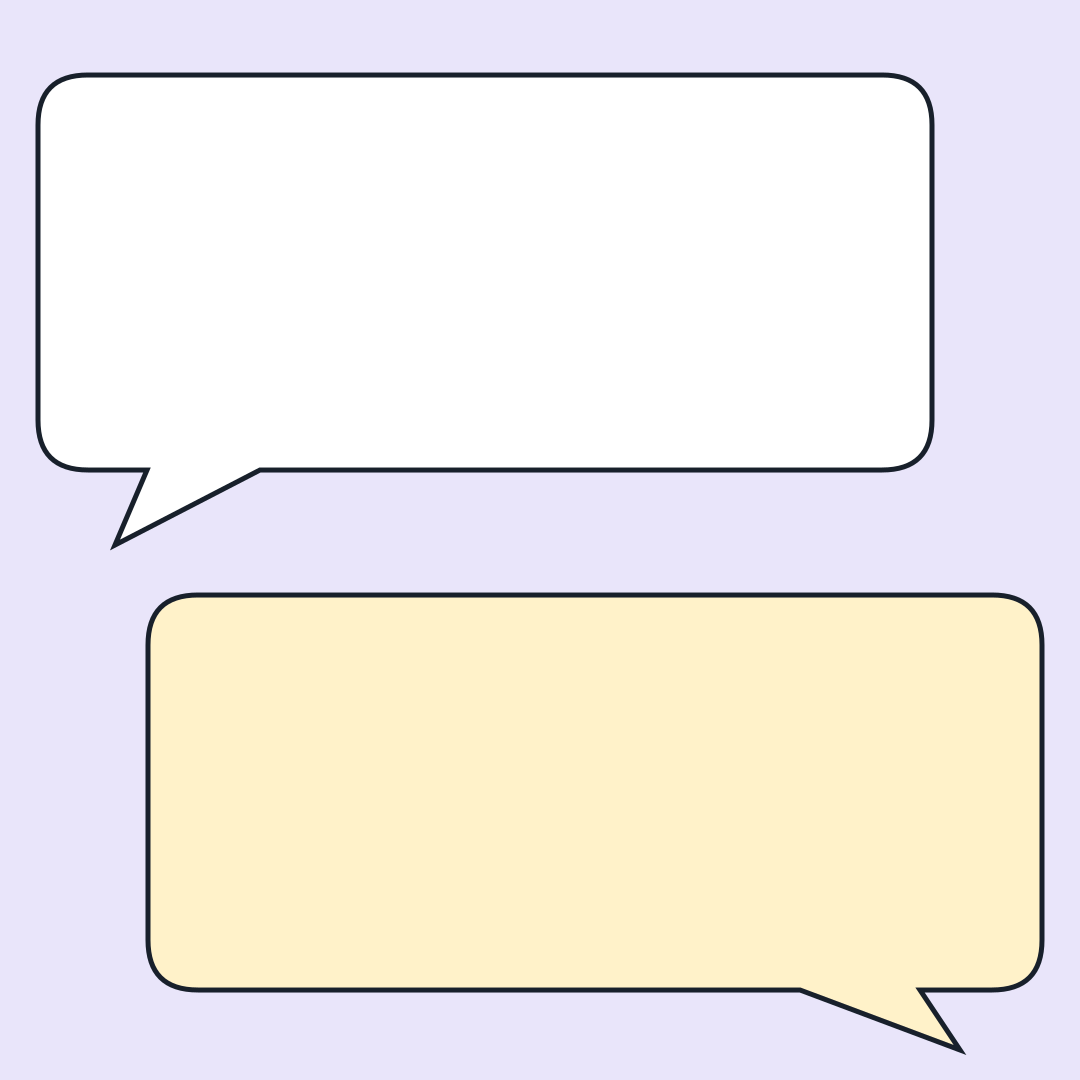
Inner Monologue Bubbles template
Write a short exchange between the sensible voice and the tempting reply. Two original speech bubbles with editable text, no character photo required.
Memefile original layout · editable captions
Open in the generator →Build your version
Two speech bubbles can carry a complete joke without a character image. The first establishes a sensible intention; the second reveals the competing impulse. This layout is for invented dialogue, an internal debate, or an explicitly labeled paraphrase. It is not a screenshot of a real messaging app.
- Choose two voices that disagree about a single decision. They can be “me / also me,” two fictional teammates, or a question and an unexpected answer.
- Make the first line understandable on its own. Let the reply introduce the surprising detail instead of repeating the setup with different wording. A few extra words in the reply can supply the whole turn.
- Open the template, edit Caption 1 and Caption 2, and keep the text inside the bubble outlines. Add a small speaker label as a separate text layer only if the exchange needs attribution.
Try this example
- First voice
- We only need a simple spreadsheet.
- Reply
- I have designed a dashboard for the dashboard.
Make it work at a glance
- Invented conversations need no fake timestamps or real profile photos. If you quote a real person, check the wording and give readers enough context to understand it.
- To make a two-beat GIF, hide the reply caption, capture the first state, then show it and capture the second. The empty reply bubble can create anticipation without making the opening unreadable.
- A transparent sticker needs a transparent canvas and suitable foreground layers. The bubble artwork here is one background image; it does not become a cutout simply by choosing PNG.
This template starts at 1080 × 1080 pixels. Choose Canvas to change the shape, then Text to edit captions without dragging. Keep labels away from the visual detail that carries the joke. Follow the caption workshop for an example.
Export a still image or capture changing captions in Animate. Save a project file to keep your layers, frames and timing editable. Follow the GIF walkthrough to revise and reorder a sequence.
Memefile · original geometric layout (AI-assisted code). The background consists of shapes created for this site; see the creation notes and layout workshop. Any images you add have their own permissions.